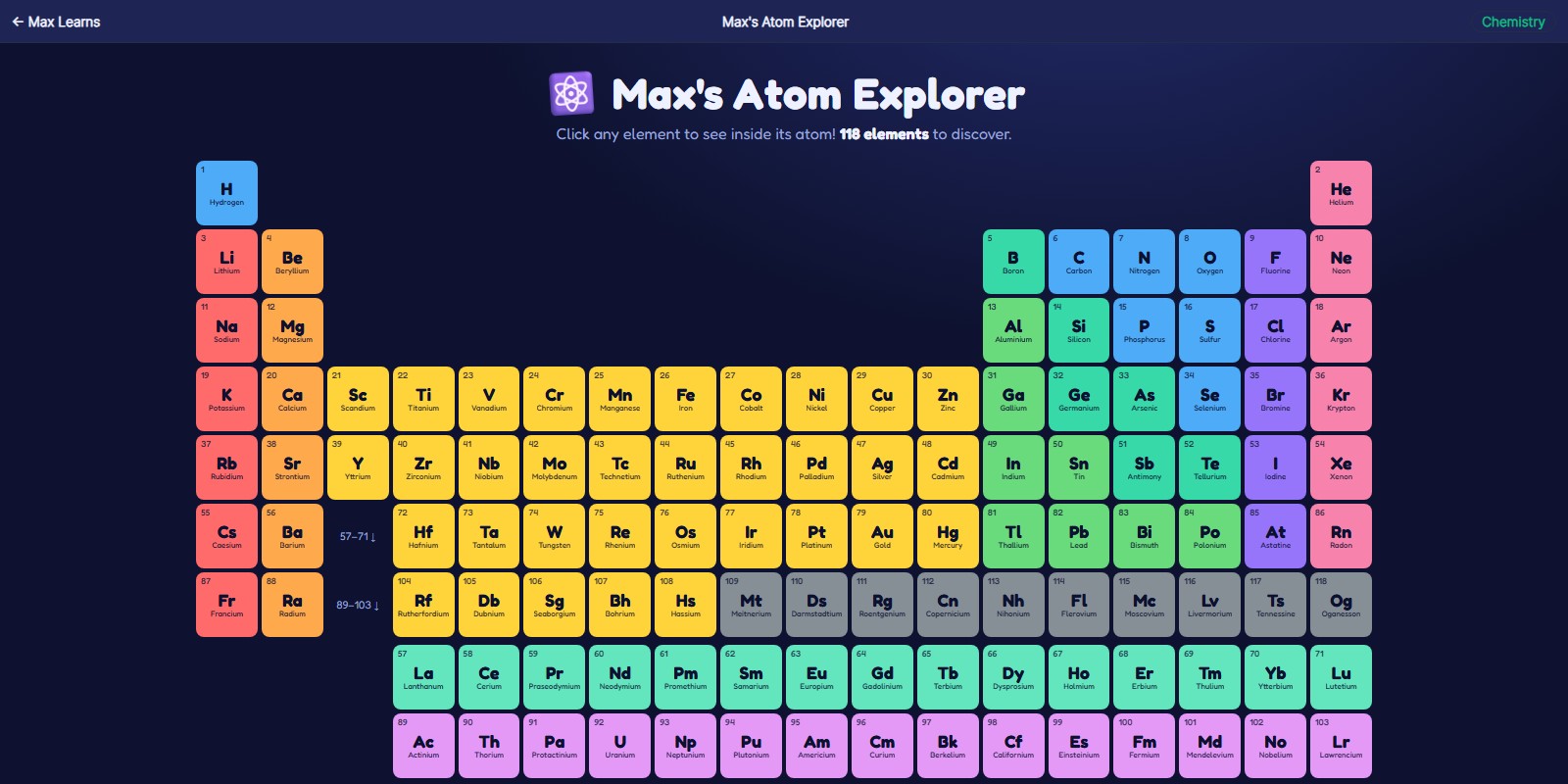
Max's Atom Explorer
Look inside any of the 118 elements
click any of the 118 elements to see its atom and learn what it's made of
what this teaches: elements, atoms, periodic table
What you'll learn
- What protons, neutrons, and electrons are, and where each one sits inside an atom
- Why the number of protons is what makes one element different from another
- How the periodic table is arranged, and why elements near each other behave alike
- Where real elements show up: neon in signs, tungsten in bulbs, calcium in bones
How to play
- Click any square in the table to open that element.
- Look at the atom that appears — count the protons in the middle and the electrons in each ring.
- Read the fact card to find out what that element is actually used for.
- Close it and try the element next door to see what changed.
FAQ
What age is this for?
It is built for around age 7 and up, roughly 2nd through 5th grade. Younger children enjoy clicking through the elements and looking at the atoms; older ones get more out of the proton and electron counts.
Do I need to install anything?
No. It runs in any web browser, it is free, and there is no signup or account.
Does it work on a tablet?
Yes. The table scrolls sideways and every element opens with a tap.
For parents and teachers
This is a browsing tool rather than a quiz, so it works best alongside a chemistry unit rather than in place of one. It supports the NGSS 5-PS1 idea that matter is made of particles too small to see, and gives children a concrete picture to attach to the word atom.
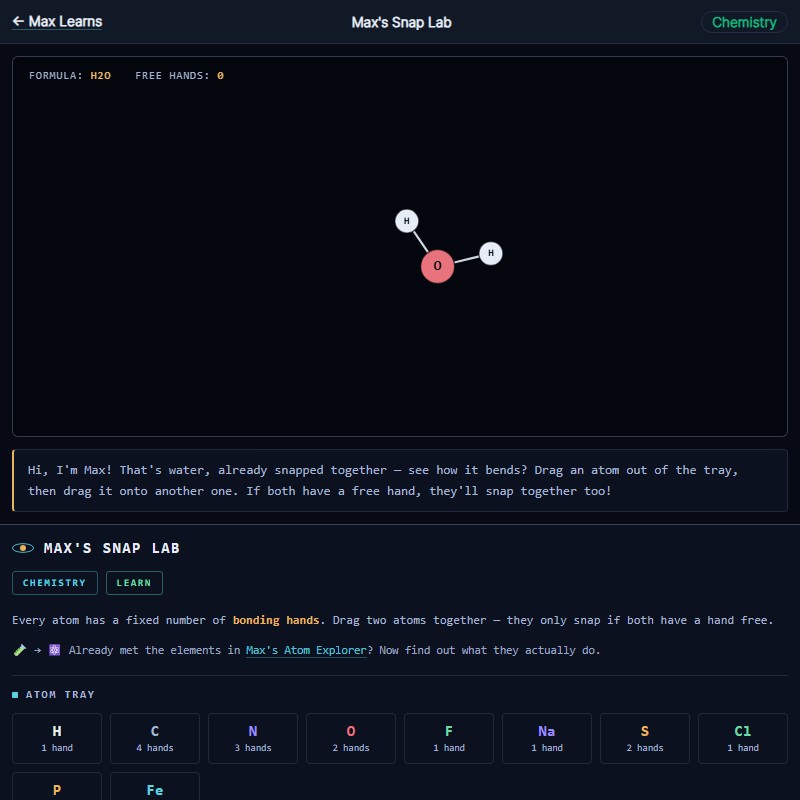 Max's Snap Lab
 Max's Snowflake Lab
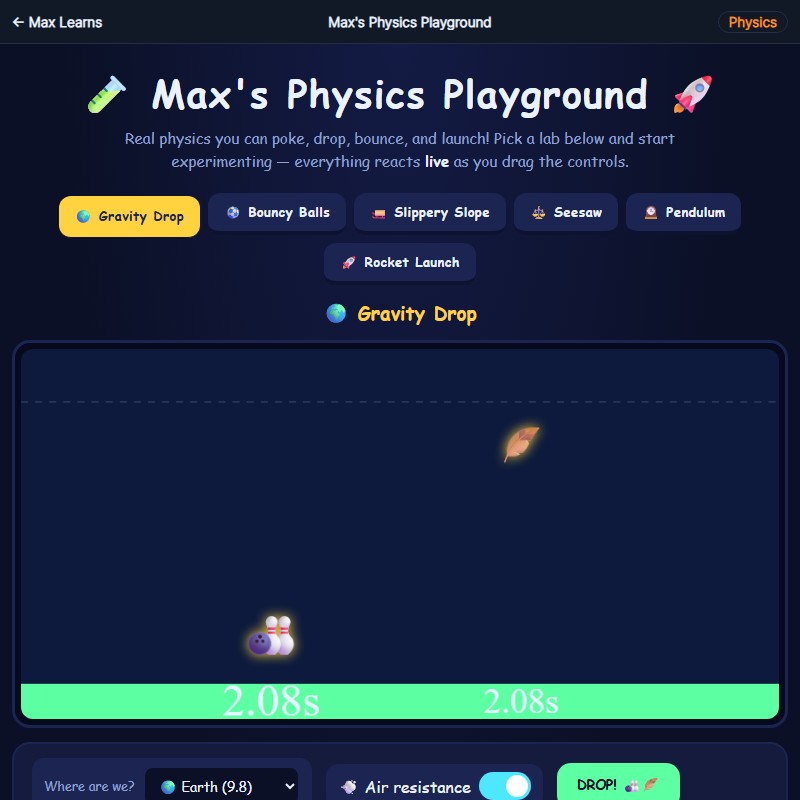 Max's Physics Playground