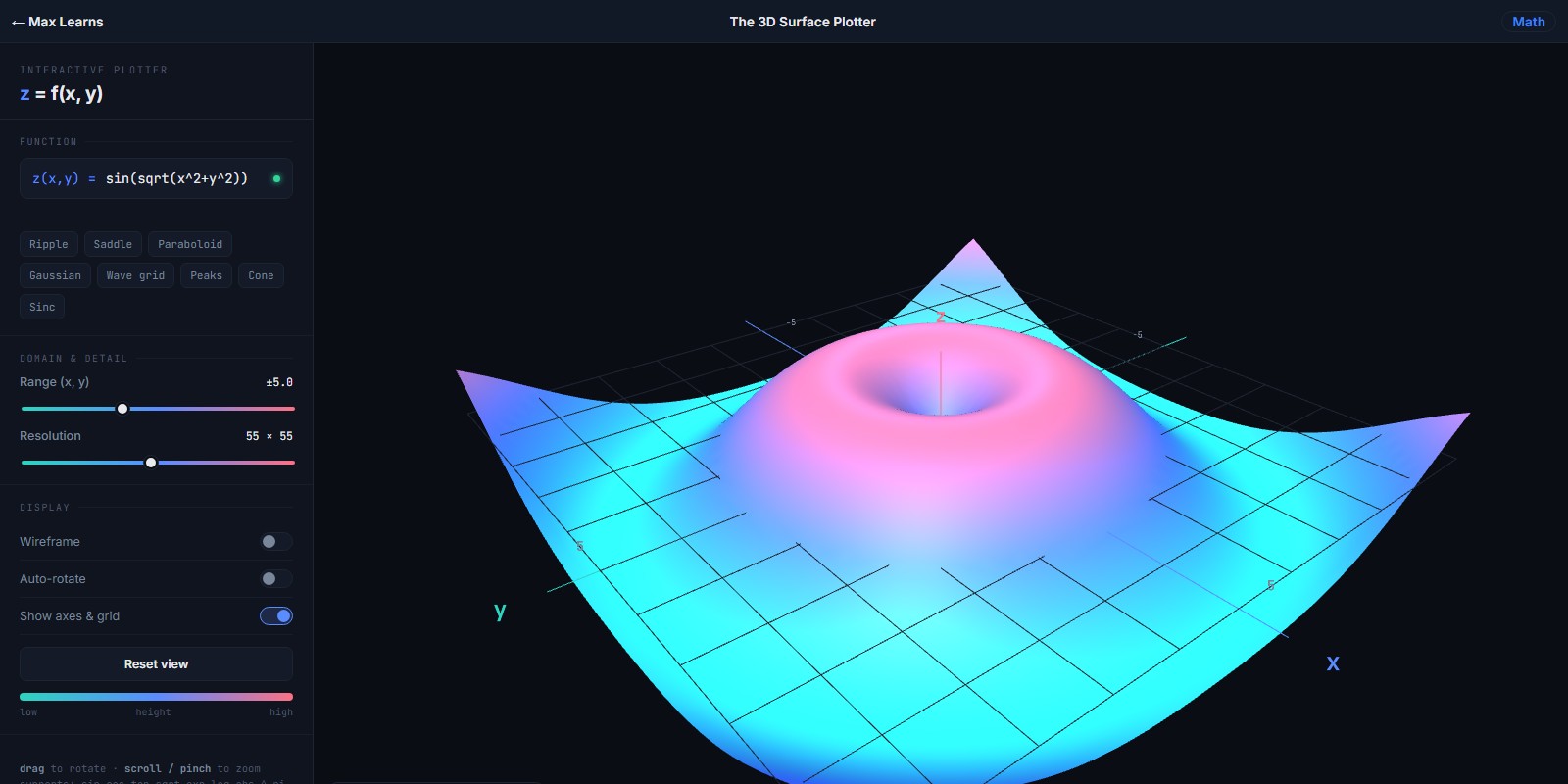
The 3D Surface Plotter
Turn an equation into a surface you can spin
plot a surface from an equation and spin it around to see its shape
what this teaches: 3d surfaces, multivariable functions
What you'll learn
- How a function of two variables makes a surface instead of a curve
- What saddle points, peaks, and valleys actually look like in three dimensions
- How the x and y range you choose changes which part of the surface you see
- Why resolution is a trade-off between fine detail and smooth movement
How to play
- Enter a function of x and y. Try x^2 - y^2 for a saddle to start with.
- Drag to rotate the surface and look at it from underneath and side-on.
- Widen or narrow the range to zoom out or in, and raise the resolution for more detail.
- Press Reset view if you lose your bearings.
FAQ
What age is this for?
Around age 12 and up. You need to be comfortable with graphing in two dimensions first.
Do I need to know multivariable calculus?
No. This is a way to see what a two-variable function looks like before any calculus arrives, which makes it a useful bridge between Algebra 2 and a first calculus course.
Do I need to install anything?
No. It runs in any web browser, it is free, and there is no signup or account.
For parents and teachers
Three-dimensional surfaces are where many students lose the thread, because textbook diagrams are static and drawn from a single angle. Being able to rotate the surface yourself clears up most of that confusion within a couple of minutes.
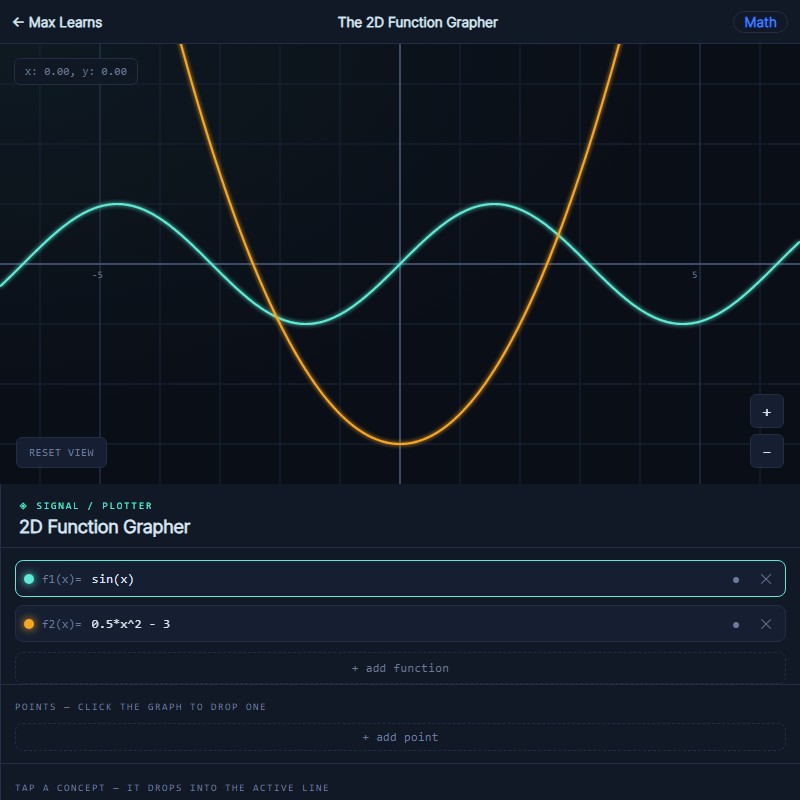 The 2D Function Grapher
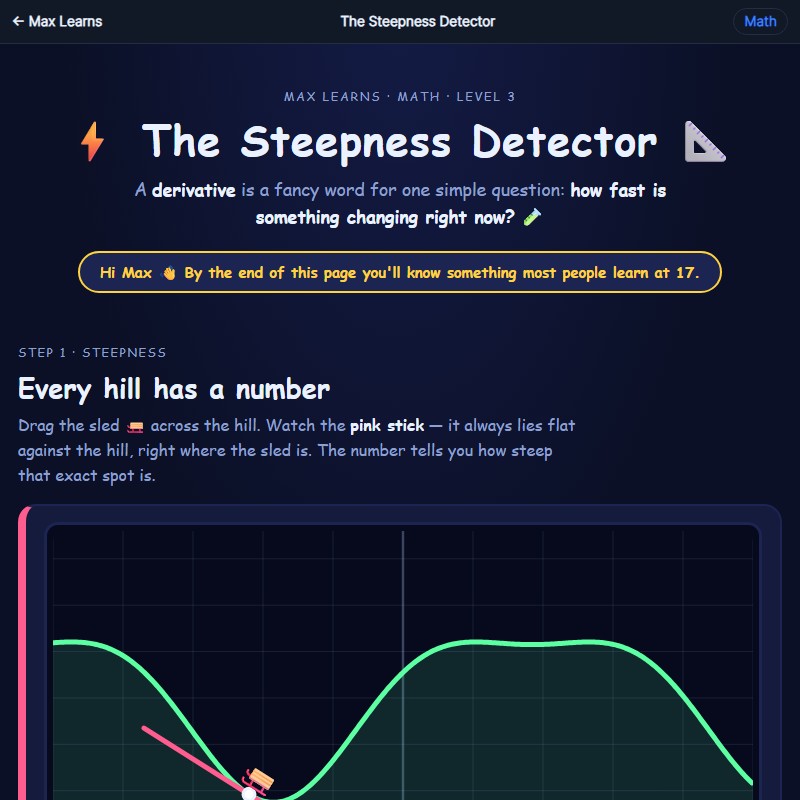 The Steepness Detector
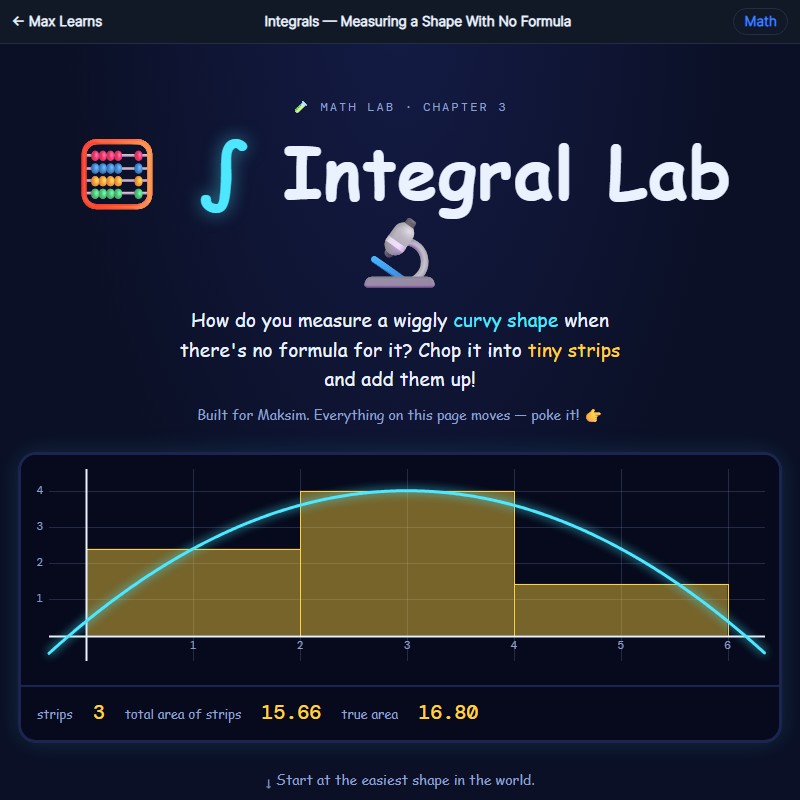 Integrals — Measuring a Shape With No Formula