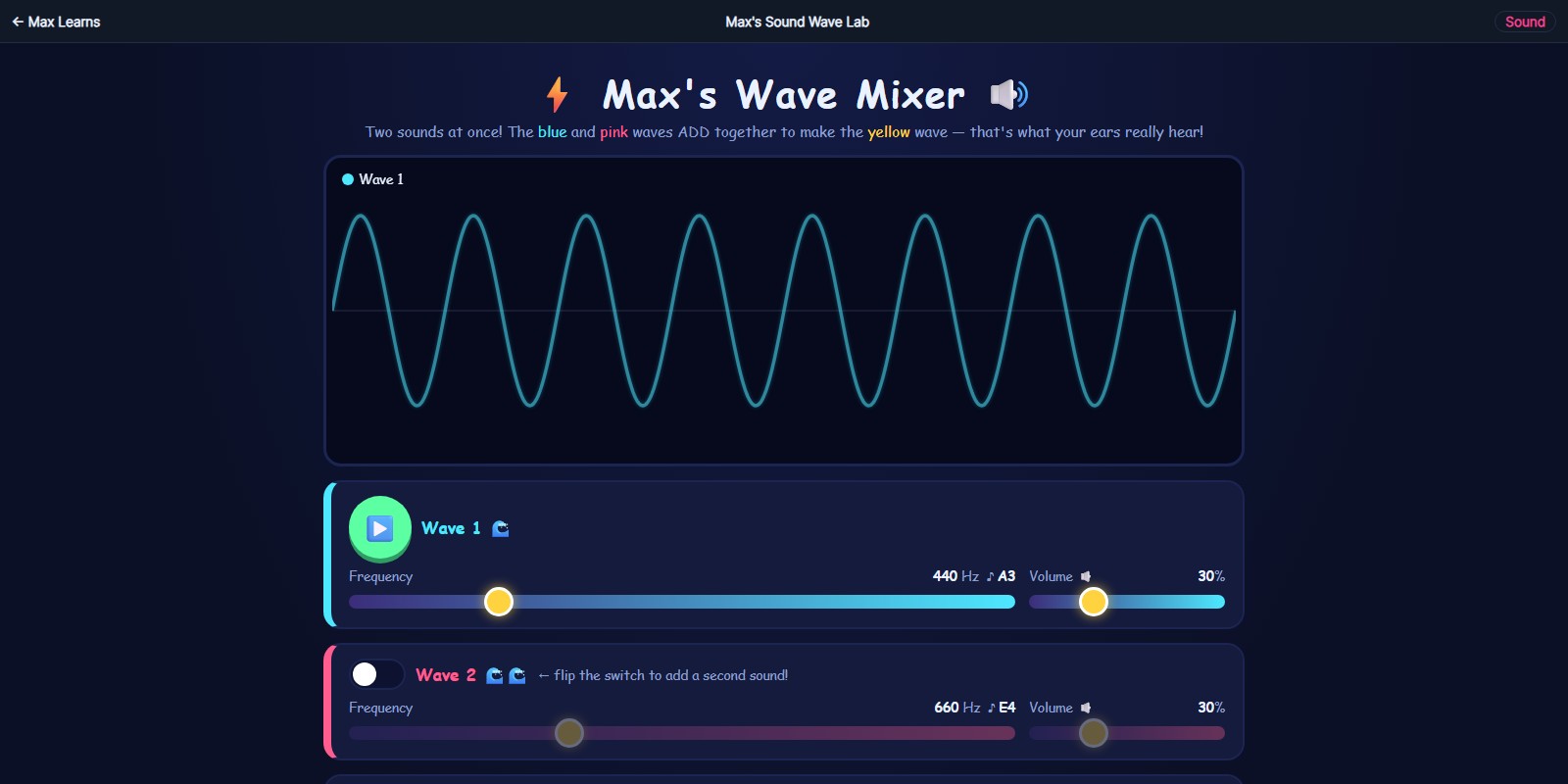
Max's Sound Wave Lab
See what sound actually looks like
mix two sound waves together and see (and hear) what happens
what this teaches: sound waves, frequency, interference
What you'll learn
- That sound is a wave, and that the shape of the wave is what you hear
- How frequency controls pitch, so faster wiggles mean a higher note
- What happens when two waves add together, reinforcing or cancelling each other
- Why two notes that are close but not identical make a slow wah-wah wobble
How to play
- Press play to hear the first wave and watch it draw itself.
- Turn on the second wave and change its frequency.
- Move the two frequencies close together and listen for the wobble.
FAQ
What age is this for?
It is built for around age 7 and up, roughly 2nd through 5th grade. Younger children can play with it happily; the frequency idea lands better around 9 or 10.
Do I need headphones?
Not required, but they help a lot. The wobble between two close notes is much easier to hear on headphones or a decent speaker than through a laptop's built-in one.
Do I need to install anything?
No. It runs in any web browser, it is free, and there is no signup or account.
For parents and teachers
Sound is difficult to teach because it is invisible, and most classroom diagrams show a wave without the matching sound. Here the picture and the tone arrive together, which is the whole point. It supports the NGSS 1-PS4 and 4-PS4 wave and vibration ideas. Headphones make a real difference.
 Max's Singing Plate
 Max's Atom Explorer
 Max's Physics Playground